Recall
Bring work context into your familiar Agent.
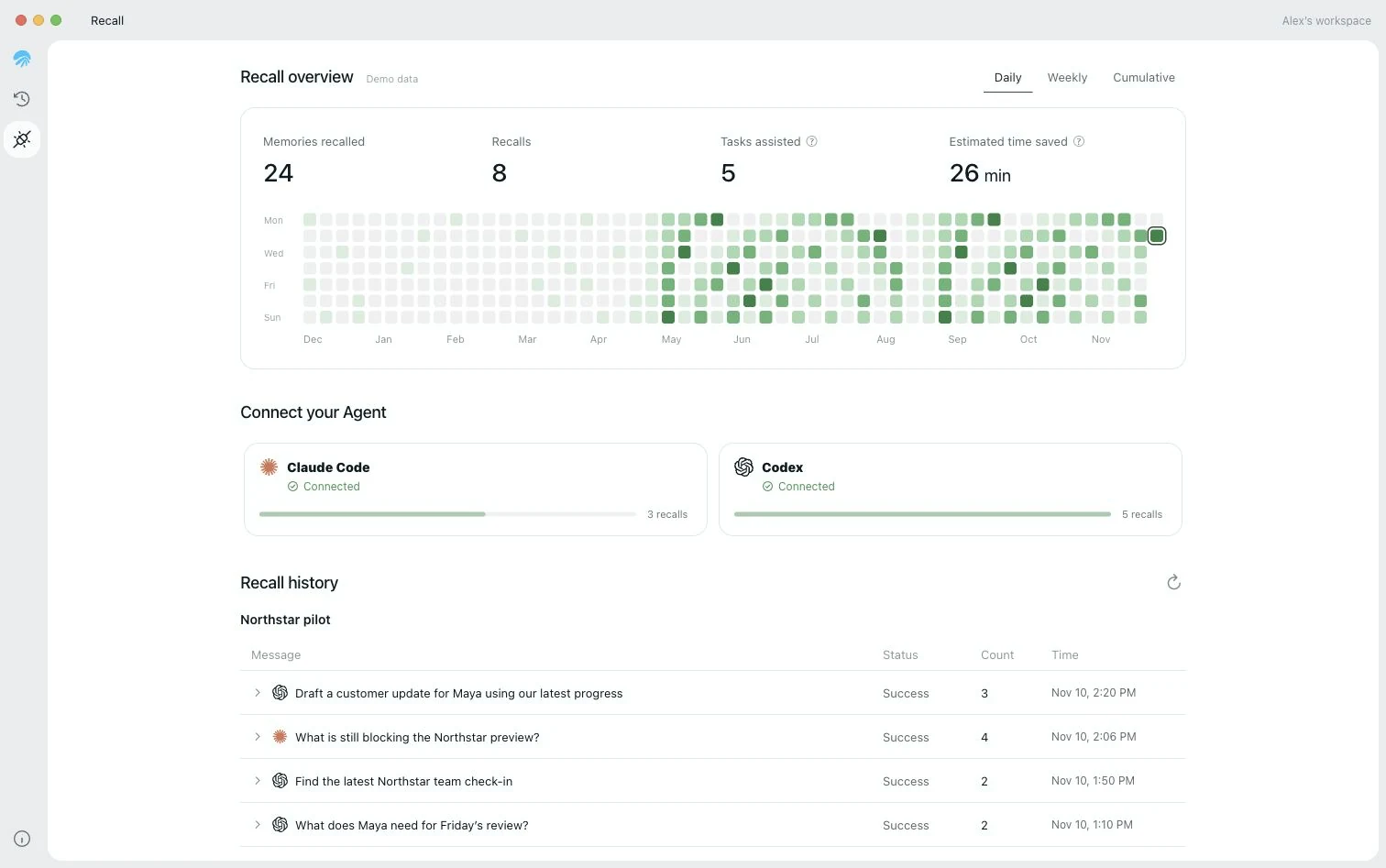
Connect Codex or Claude Code and use your work context where you already work. Inspect the recalled records, then return to the original conversation.
How it fits into your day
Connect the Agent you use
Connect Codex or Claude Code to make AirJelly work context available in that Agent.
See what was recalled
Review the relevant records and sources behind a recall to understand the context being used.
Continue in the original conversation
Open the conversation to see the context used in a draft, then review the result before sending.