UNDERSTAND · PROACTIVE AI
Understand Proactive
Proactive AI uses the context you have already built to surface timely help before you need to reconstruct the situation or ask from scratch.
What Is Proactive AI?
Most AI models and agents still depend on an input box. You provide the context first, such as the background of a recent project or the topic you want to write or research, and only then does the AI produce a result. We call this passive AI. Proactive AI means the system can offer useful suggestions before you explicitly provide context or assign a task. AirJelly can do this after it has accumulated enough context: it can notice recent work, interrupted tasks, or follow-ups that may need attention before you ask for them.
Light Proactive — Catch Small Issues
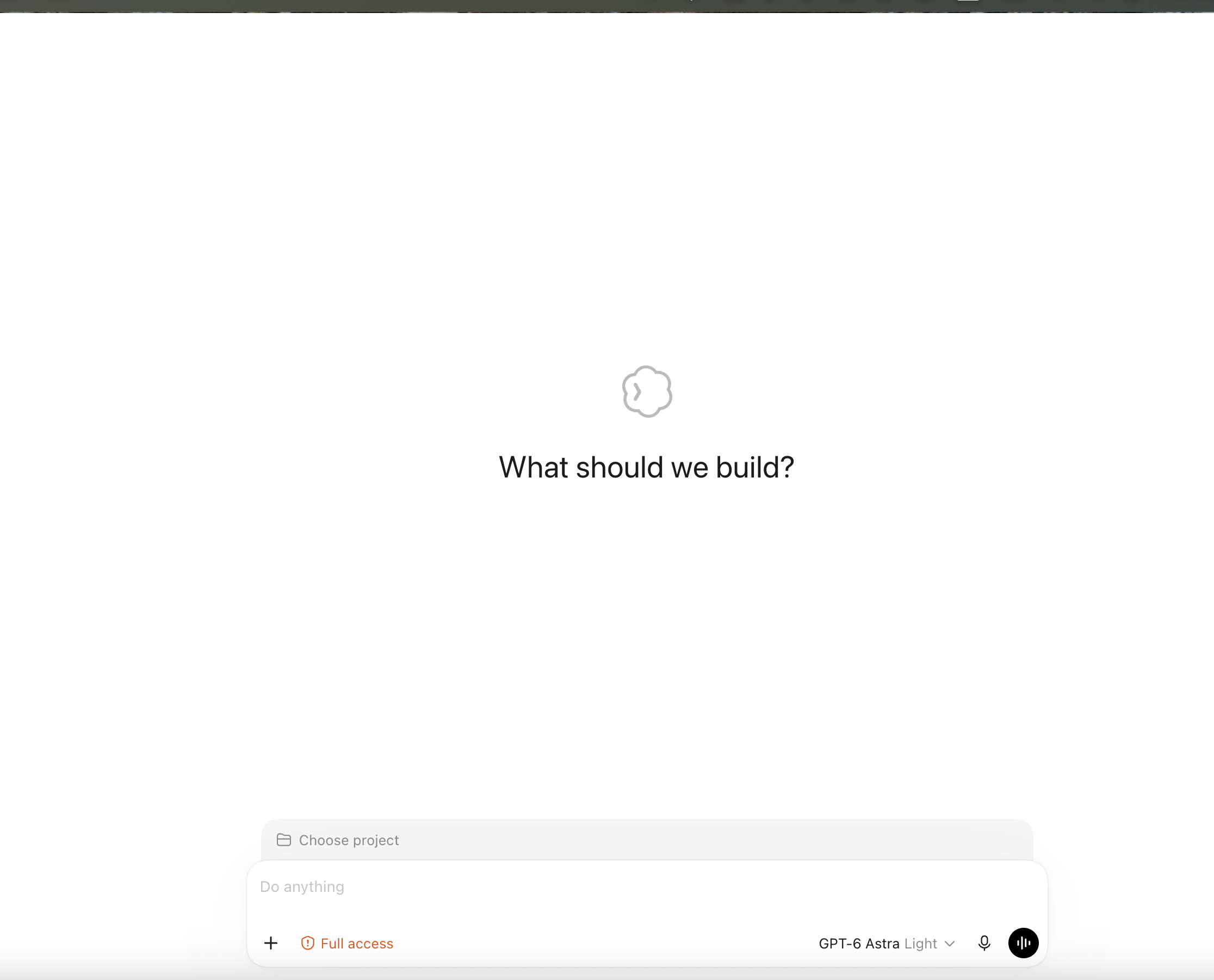
The floating jellyfish gives brief, lightweight hints that help you catch small issues or overlooked details in your work.
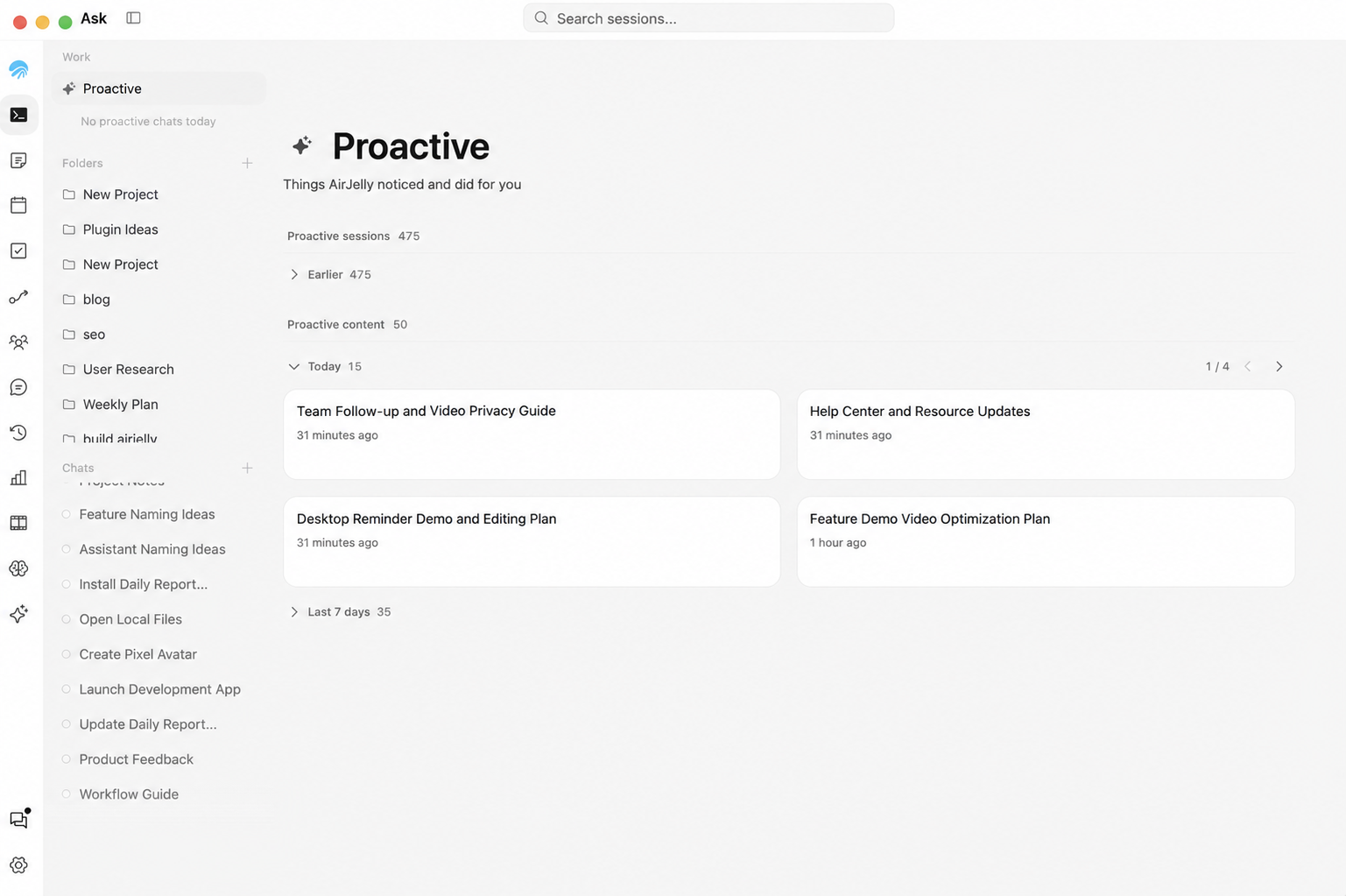
You do not need to act right away. Open Work → Proactive later to review the proactive suggestions AirJelly has made today.
Revisit Proactive Suggestions in Work
If you skipped a proactive suggestion or were busy when it appeared, open Work → Proactive to find today’s proactive suggestions and handle them when you are ready.
Adjust Proactive Assist in General
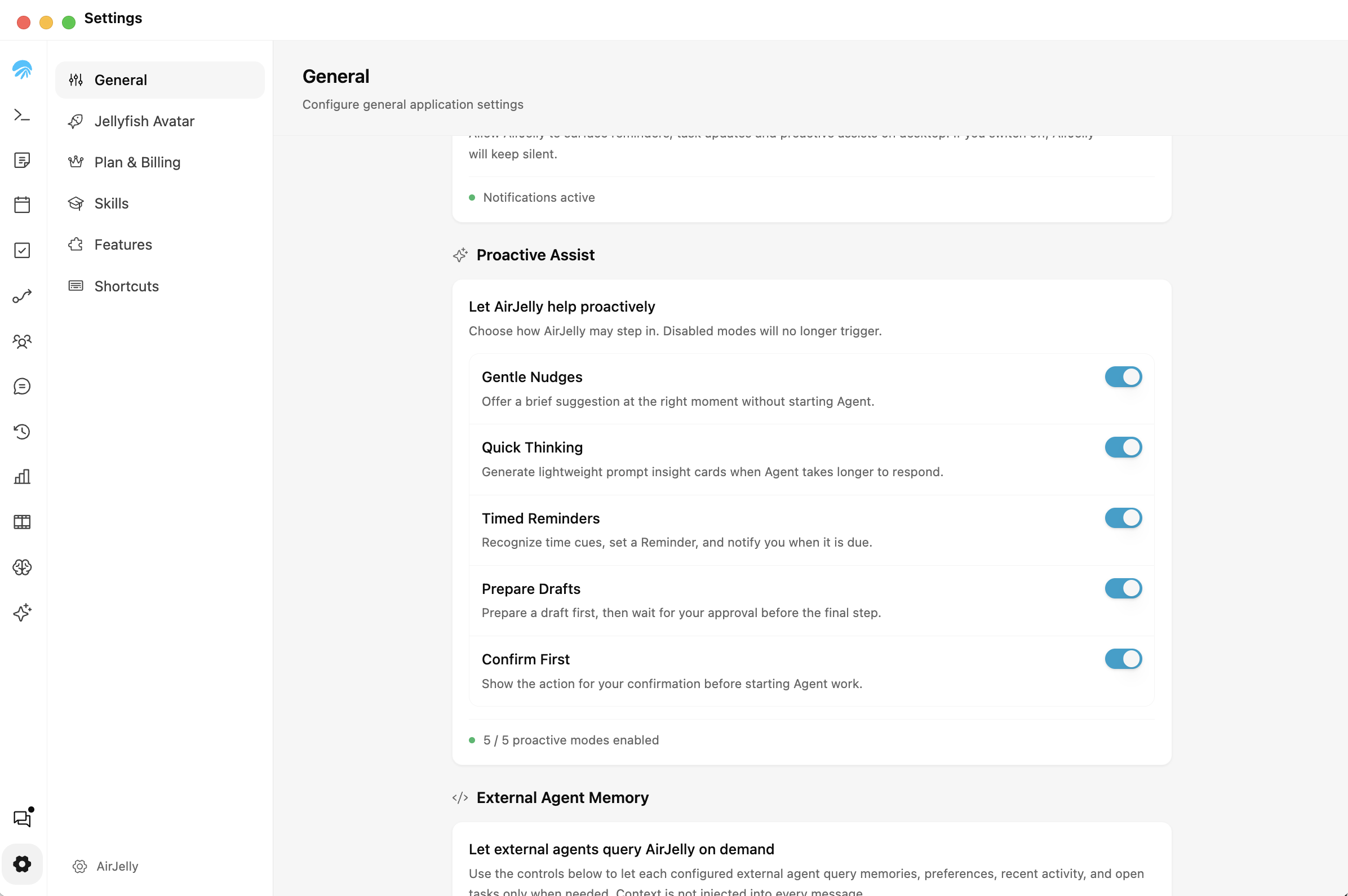
If proactive hints feel distracting, open Settings → General → Proactive Assist. Turn off Gentle Nudges to stop these lightweight hints, or choose which other proactive modes you want to keep enabled.